
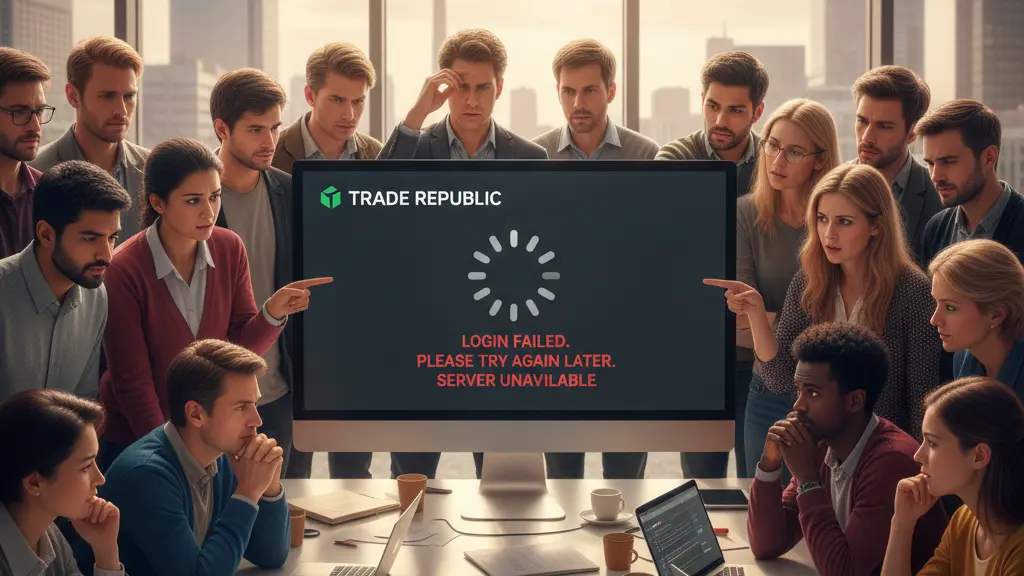
1. What happened on 18 March 2026
On the morning of 18 March 2026 many users reported technical disruptions, especially login problems with the mobile app. Reports on outage portals began to spike from around 07:30 local time and search interest for ‘Trade Republic Störung’ rose sharply. Thousands of affected users described access problems that point to a possible server overload during peak hours.
2. Reported symptoms and user experience
Affected customers mostly reported that they could not log into the app, experienced timeouts, or saw error messages during authentication. Many said the problem persisted for minutes to hours and affected both iOS and Android users.
- App login failures or timeouts when entering credentials.
- Authentication interruptions when requesting TANs or push notifications.
- Temporary account lockouts after repeated failed attempts.
- Slow or unresponsive in-app chat for support during the outage.
3. Likely causes: server load and timing
The pattern of reports and timing suggests a server-side overload. Historically, platform servers are under higher load on execution days—commonly the 2nd or 15th of the month—especially between 09:00 and 17:30. Heavy concurrent access can cause authentication and access problems for large numbers of users.
When overloads tend to happen
High-traffic windows include payroll and execution days, market open hours, and any moment with many simultaneous transactions. During these times server capacity can be strained and intermittent outages or slowed responses may occur.
4. Immediate steps users should try
If you are affected, try a few simple checks before escalating: verify whether login works on the official website, prefer pushTAN over SMS-TAN to reduce entry errors, and make sure you enter your phone number with the country code when required. Repeated failed login attempts can trigger temporary locks, so proceed carefully.
- Check the official website login first to see if the service is reachable from a browser.
- Use pushTAN (recommended) instead of SMS-TAN to avoid mistyped codes.
- Confirm your phone number format if requested (for example: 00491711234567).
- Use your app PIN if prompted and avoid repeated incorrect attempts to prevent lengthier account locks.
- If login still fails, try again after a short wait—server load can be transient—and monitor outage reports.
5. Contacting support
Support is primarily provided via the in-app chat. Many users criticize the chat’s availability during large outages, and some consumer protection groups have noted a sharp increase in complaints. Because phone support is limited, patience and exact reporting of time and error messages help speed up troubleshooting when chat agents respond.
When to use the emergency hotline
There is a dedicated emergency hotline intended only for card blocking: +49 322 13232813. For login problems or general account support, the in-app chat remains the official channel; the hotline is not a general troubleshooting line.
6. Security: phishing warnings
Regulators and consumer protection sites have warned about phishing attempts that use fake SMS messages claiming to be from the platform. These messages aim to trick users into revealing login details or approving fraudulent access. Official communications come only through the app or via emails from addresses ending in @traderepublic.com. Never enter credentials into forms linked from unsolicited messages.
- Do not click links in unexpected SMS or emails that ask you to log in.
- Verify that any email sender ends with the official domain (@traderepublic.com).
- If you receive a suspicious message, report it and do not provide authentication codes or passwords.
7. What users say: reviews and complaints
User sentiment reflects mixed experiences: some praise the app’s simplicity and design, while others strongly criticize customer service responsiveness during outages. Consumer complaint volumes have risen notably during recent disruptions.
| Metric | Details |
|---|---|
| Trustpilot rating | 3.3 / 5 (32,878 reviews) |
| Consumer complaints | Marked increase, with some agencies reporting a ~75% rise |
| User praise | “Sehr übersichtliche, intuitive App!” — David (5/5) |
| User criticism | “Unterirdischer Kundenservice. Der Support-Chat ist eine nicht endende Odyssee” — Christiane Czech (1/5) |
| Takeaway | Good product design noted; customer support and outage handling are pain points |
8. Past incidents and outlook
Previous outages have occurred, such as abrupt price jumps in April 2025, but were resolved quickly and without financial losses to users. For now, monitor official channels and outage portals, follow the recommended login and security steps, and contact the in-app chat if problems persist. If you suspect fraudulent contact, prioritize security measures and use the emergency hotline only for card blocking.
In summary: stay calm, avoid repeating failed login attempts, prefer pushTAN and the official website for checks, and be cautious of phishing. Many outages are resolved once server load decreases; keep records of errors and times to help support diagnose any lingering issues.
