
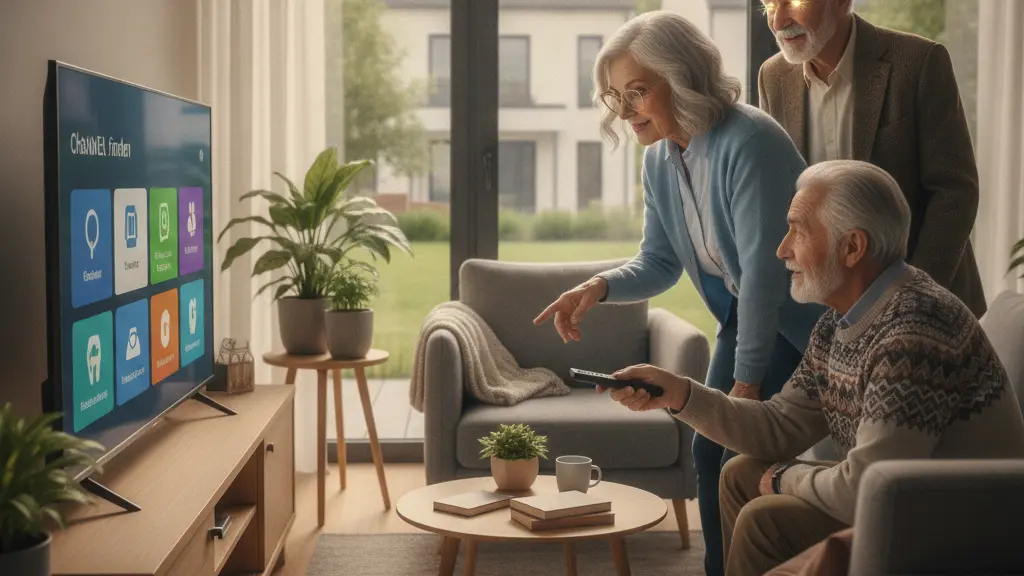
1. Overview: Why the Vodafone switch is causing frustration
Recent technical changes in networks and TV platforms are moving quickly. Providers are modernizing fixed-line, mobile and TV systems, and this can leave some customers confused. Reports show that many seniors in particular feel overwhelmed when their TV or phone suddenly needs a new setup, such as a fresh sender search or a device update. The result is stress, lost service and calls for clearer, low-threshold support.
What the recent changes mean
Network operators are preparing for long-term shifts: mobile networks are phasing out older standards like 2G/GSM, and TV platforms are changing how signals are prepared and delivered. At the same time, incidents like cable damage affecting many households show how fragile real-world service can be during transitions.
Who is affected most
While changes aim to improve speed and efficiency for everyone, older adults are often the hardest hit. Many seniors rely on older handsets, simple TVs or set-top boxes and may not be familiar with menu navigation, remote controls, or terms like “sender search” and “re-scan.” Without clear personal guidance, routine updates become blockers.
2. The technical background: 2G shutdown, TV signal changes and outages
Understanding the technology helps explain why support is needed. Operators plan to switch off legacy mobile standards such as 2G/GSM by 2028, which makes older phones and connected devices lose network access. For TV, providers are simplifying signal chains to reduce latency, and that can change how set-top boxes and TVs find channels. Unexpected events — for example cable breaks that cut service for thousands of households — add pressure and sometimes create the impression that service interruptions are used to promote new contracts or equipment.
Important points to know
– 2G/GSM phase-out: Older mobile handsets and some devices may stop working on mobile networks, increasing the need for device replacement or migration.
– TV signal changes: Steps to speed up live TV by a couple of seconds can remove signal processing steps that certain equipment expected.
– Infrastructure incidents: Large-scale cable damage or outages can disrupt both internet and TV services and increase confusion around updates and rescans.
3. The sender search challenge: why seniors get stuck
For many seniors, the task of doing a “sender search” (channel scan) is where frustration peaks. The problem is rarely the underlying technology itself; it is the combination of unfamiliar menus, tiny on-screen text, unclear labels for reception types, and remote controls with many buttons. That makes routine steps feel complicated and sometimes impossible without help.
Common hurdles during a channel scan
- Finding the right menu: Settings, Setup, Installation or Channel Search are named differently on different devices.
- Choosing the right reception type: Cable, antenna or satellite terminology can confuse users who only know “TV”.
- Understanding device names: TVs, set-top boxes and recorders may show different names and inputs.
- Remote control complexity: Small buttons, similar labels and multi-function keys make control hard.
- Lack of guidance: Automatic prompts may be too fast or use technical terms.
How this turns into frustration
When a routine scan fails or channels disappear after an update, seniors can feel helpless. If personal assistance is not offered proactively, frustration grows and trust in the provider can decline. Simple changes that aim to modernize networks can therefore unintentionally exclude people who need low-threshold, personal support.
4. Practical, easy steps: helping seniors complete a sender search and basic fixes
Here are clear, step-by-step instructions and quick tips that family members, caregivers or support staff can use to help seniors get TV and mobile services working again after a change.
| Problem | Simple solution |
|---|---|
| No channels after update | Run an automatic channel scan (sender search) and select correct reception type |
| Poor signal or missing channels | Check coax cable, connectors and restart devices |
| Old mobile phone suddenly has no network | Check if device uses 2G only; consider replacing or asking for provider support |
| Tip | Keep a printed step-by-step guide and write down which menu names to look for |
Simple channel scan (general steps)
- Turn on the TV and the set-top box (if any). Make sure both are connected and powered.
- Find the remote and press the button labeled “Menu,” “Settings,” or similar.
- Look for “Installation,” “Channel Setup,” “Channel Scan” or “Sender Search.”
- Select the reception type: usually “Cable” for connected apartments or “Antenna” for over-the-air; choose the one that matches the connection.
- Start the automatic scan and wait — it can take a few minutes. Do not switch off devices during the scan.
- Save the results if prompted and test a few channels to confirm picture and sound.
Quick fixes if channels are missing
- Check all cables: tighten coax and HDMI connections.
- Restart the TV and set-top box: unplug for 10 seconds, then plug back in.
- Confirm the correct input is selected on the TV (HDMI1, TV, AV, etc.).
- Repeat the sender search and try the other reception types if available.
- If problems persist after a known outage or work on the network, wait for provider updates and then try again.
5. Support solutions and recommendations
Providers and families both have roles to play to reduce frustration. Providers often point to offers like senior tariffs and personal consultations, but those must be easy to find and use. The balance between modernization and understandability requires clear, human-centered support measures.
What providers can do
- Offer simple, in-person appointments or home visits for seniors to help with rescans and device checks.
- Provide clear printed instructions with large text and simple pictures explaining a sender search.
- Advertise low-threshold services such as senior tariffs and personal consultations so people know help exists.
- When rolling out technical changes (like 2G shutdowns or signal processing updates), communicate timelines and practical consequences in plain language.
Modernization brings benefits like faster networks and smoother live TV, but without clear, low-barrier help the most vulnerable customers—especially seniors—can be left behind. Combining technical upgrades with personal support, clear guides and targeted offers will reduce frustration and make the transition smoother for everyone.
How families and community groups can help
- Keep a labelled folder with device manuals, login details and a short, printed guide for channel scans.
- Walk through the sender search together once and encourage the person to try it while you watch, then repeat if needed.
- If possible, arrange a technician visit or contact the provider’s personal consultation service on behalf of the senior.
- Consider community workshops at libraries or senior centers where simple digital skills and device setup are taught.
